Okilu

First steps, screen by screen

Five minutes is all it takes to set your rules. Here's the full journey, with the app's real screens.

Screens shown in French; the app is fully available in English.

1Set up your home

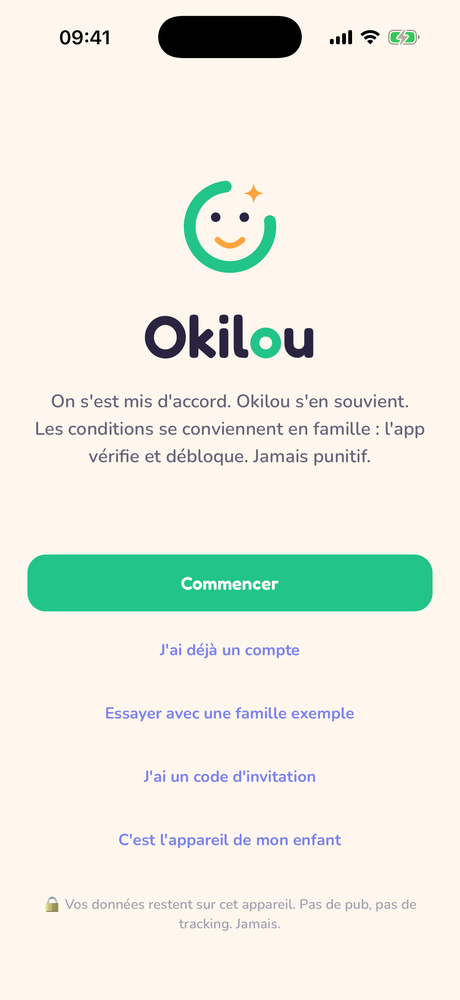
Open the app and tap Start. That's it. Okilou works without an account: your data stays on your phone unless you decide otherwise.

  • I already have an account: your home, rules and history come back on their own.
  • I have an invitation code: the other parent invited you; everything is ready.
  • This is my child's device: the child's tablet or phone joins the home in child mode only.
Okilou welcome screen

2Add a child

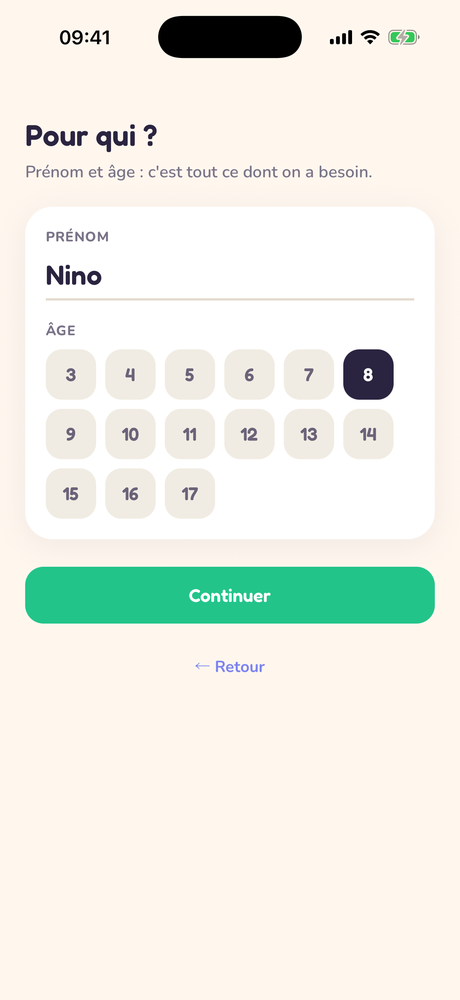
A first name and an age: that's all Okilou needs. No birth date, no mandatory photo, no questionnaire: data minimization isn't optional; it's the design.

Creating a child profile: first name and age

3Pick a starting point

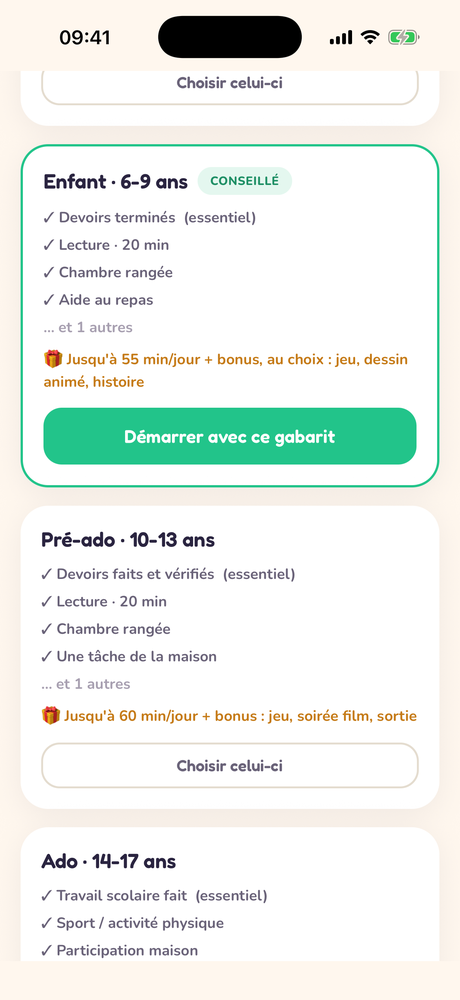
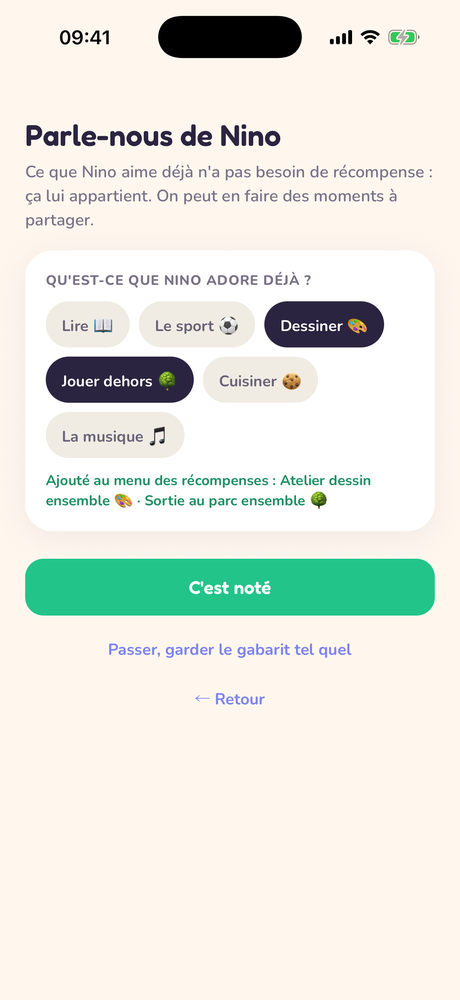
Based on age, Okilou suggests a rules template: Little one (3-5), Child (6-9), Pre-teen (10-13) or Teen (14-17). Teens, for instance, run on a weekly gauge rather than a daily one.

💡 A template is only a starting point: everything can be changed later in the Rules tab: labels, points, rewards.
Template choice, Child 6-9 recommended

4Your child checks off wins

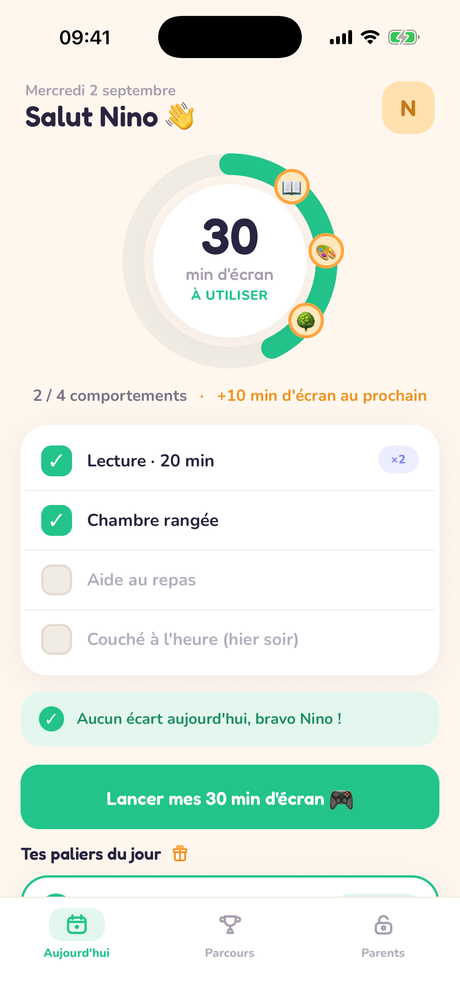
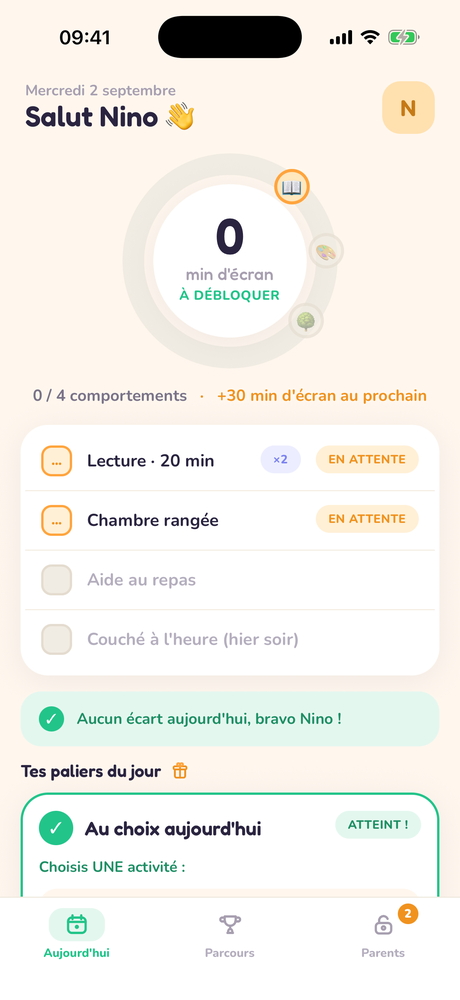
On their screen, the child sees their day: their actions, their gauge, and what the next win will unlock. When something's done, they check it; the app asks them to confirm, then the declaration shows up as pending on your side.

🌱 No negative vocabulary on the child's side: no "failed", no debt, no anxiety-inducing countdown.
Child screen with declarations pending validation

5You're notified, you validate

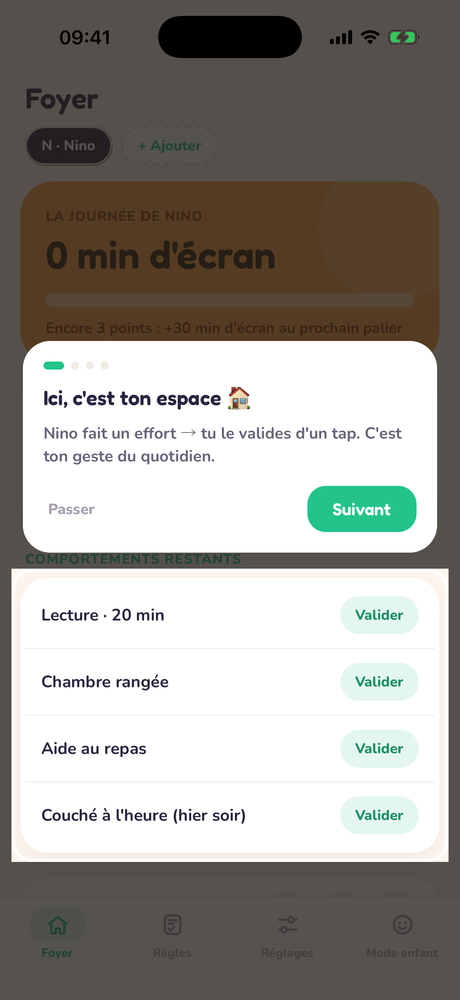
A notification arrives: you can validate, decline or send a "Bravo" right from the notification, without opening the app.

Notification with Validate, Decline, Bravo buttons
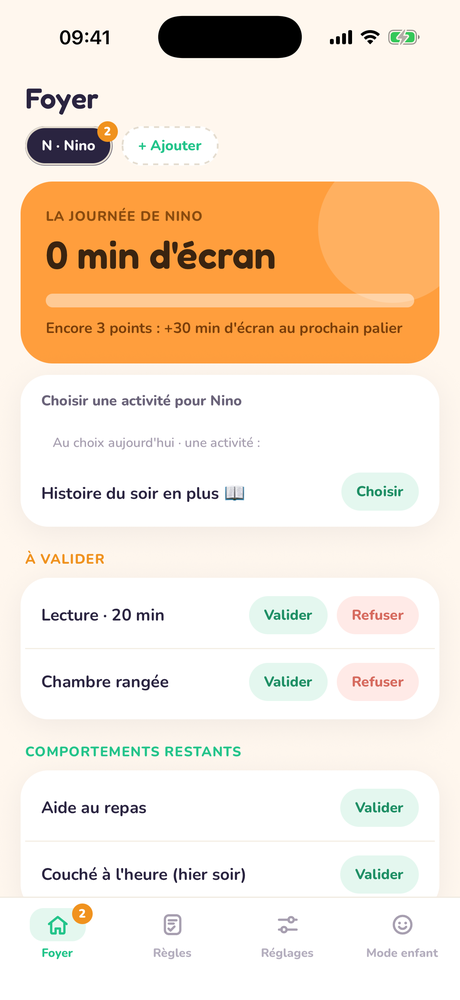
Parent screen: To validate list

6What was agreed unlocks

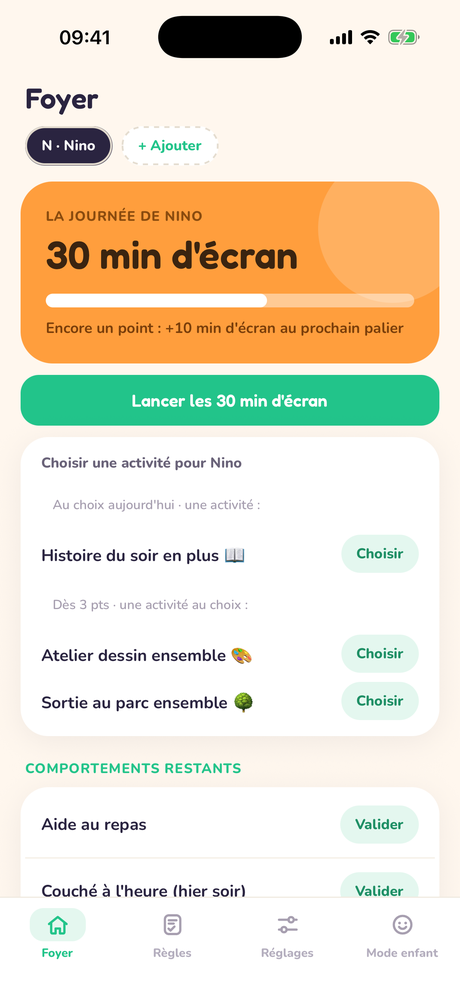
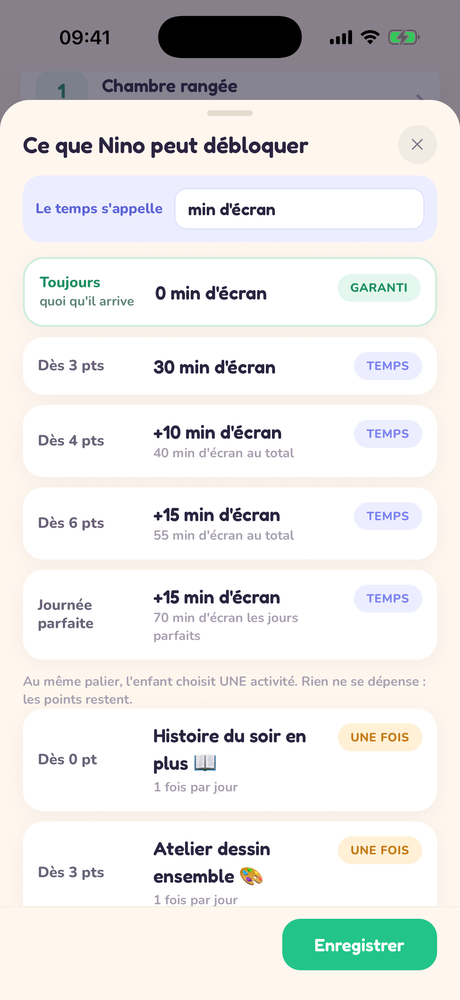
Each validation adds points; milestones unlock minutes or menu rewards. The child starts their minutes when they want to use them; the countdown survives even if the app closes. The parent's dashboard keeps a record of everything validated today (any validation can be undone, always traced).

🎁 The reward menu is yours: "Extra bedtime story", "Pool trip"… children can also add wishes of their own, which you turn into rewards with one tap.
Child screen: 40 minutes unlocked, Launch button

7Consistency made visible

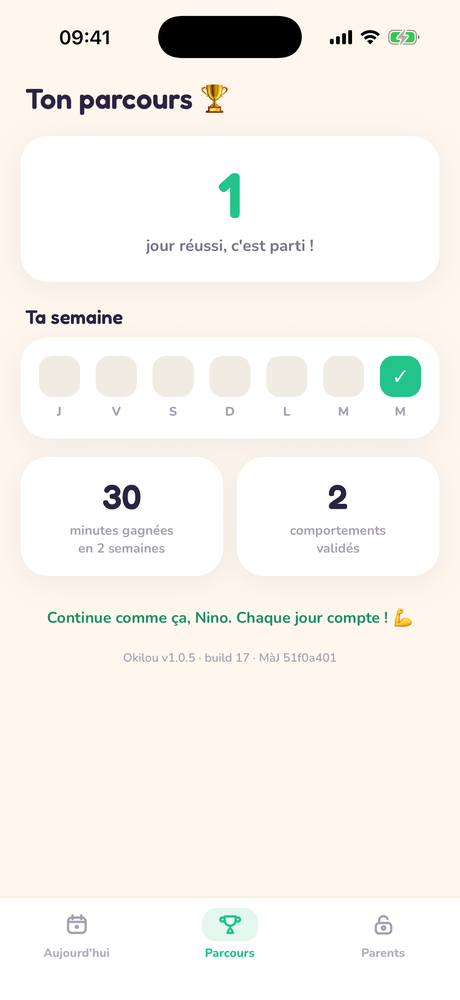
The Journey tab shows the child their day streak, their week and their earned minutes. It's their own progress: no leaderboard, no comparison.

Journey screen: streak of successful days and minutes earned

8Adjust the rules, calmly

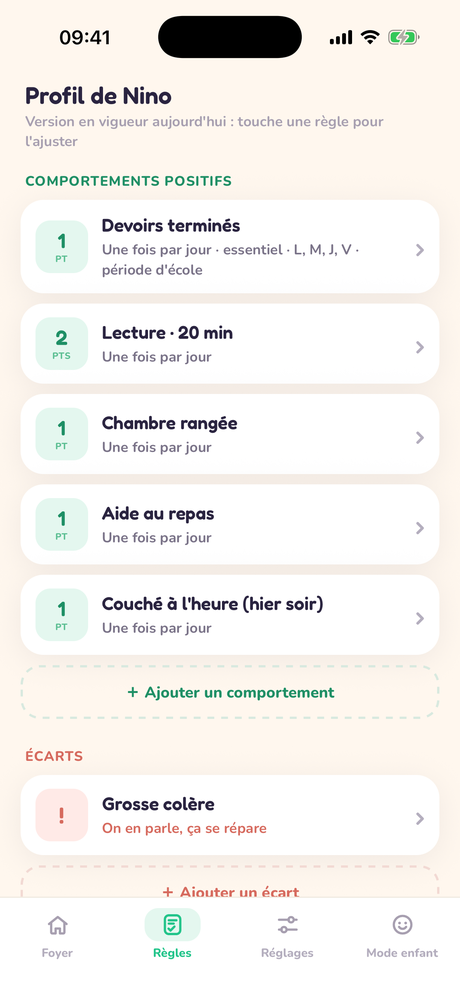
The Rules tab reads at a glance: each rule in one sentence, with its points, its frequency (“a cap, not a goal”), its days. Tap a rule to open its sheet: every setting explains itself: essential or not, automatic validation, small checkable steps, school days or holidays. A modified rule applies tomorrow, never partway through the day. A deal is a deal: that's the neutral referee.

The Rules tab: each rule summarized in one sentence, with its points

9Two parents, or two homes

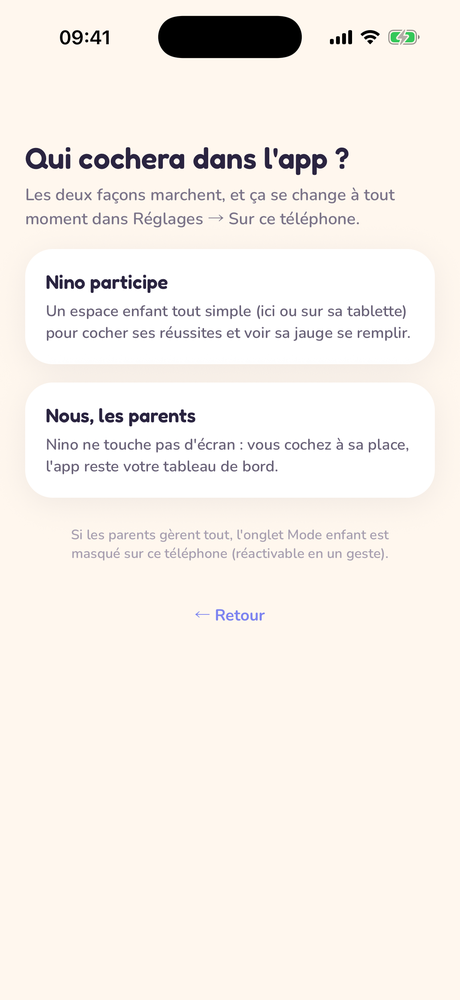
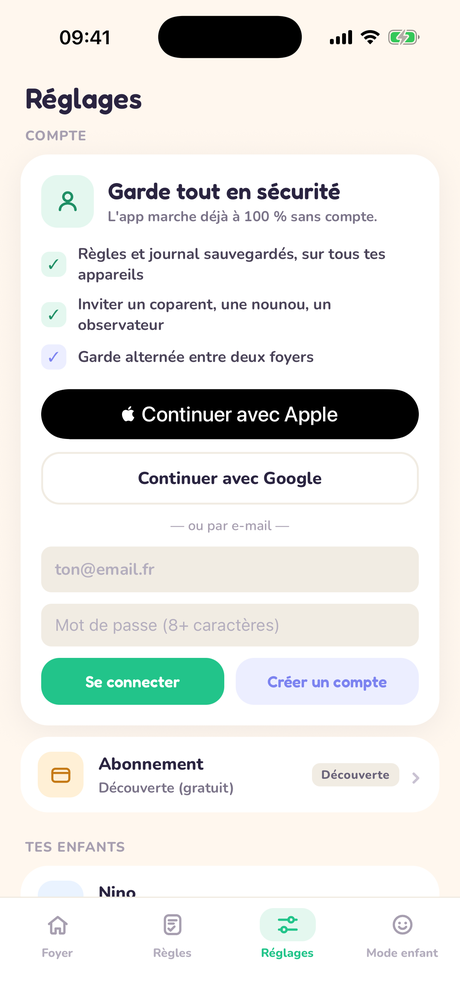
Create an account (email, Google or Apple) to sync: invite the second parent with a code or QR, pair the child's device (phone or tablet) in locked child mode.

Shared custody? Invite the other home from Settings: co-administered shared rules or independent profiles, week A/B, 2-2-5-5 or weekend calendars, one-off swaps. On "other home" days, the child's screen stays calm, and the journey never splits in two.

Sign-in screen: Apple, Google or email
Still have a question? Read the FAQ or write to us: contact@okilou.fr